Quick Wins, Bigger Tests
Start with a six-pair Quick board, then take on Classic and Challenge when you want more memory pressure.
 MemoFlip
MemoFlip for Apple Vision Pro
MemoFlip turns card matching into a focused spatial replay loop: look, pinch, match pairs, build a streak, and improve your score and time. Every board size is free; theme upgrades are optional.
App Preview
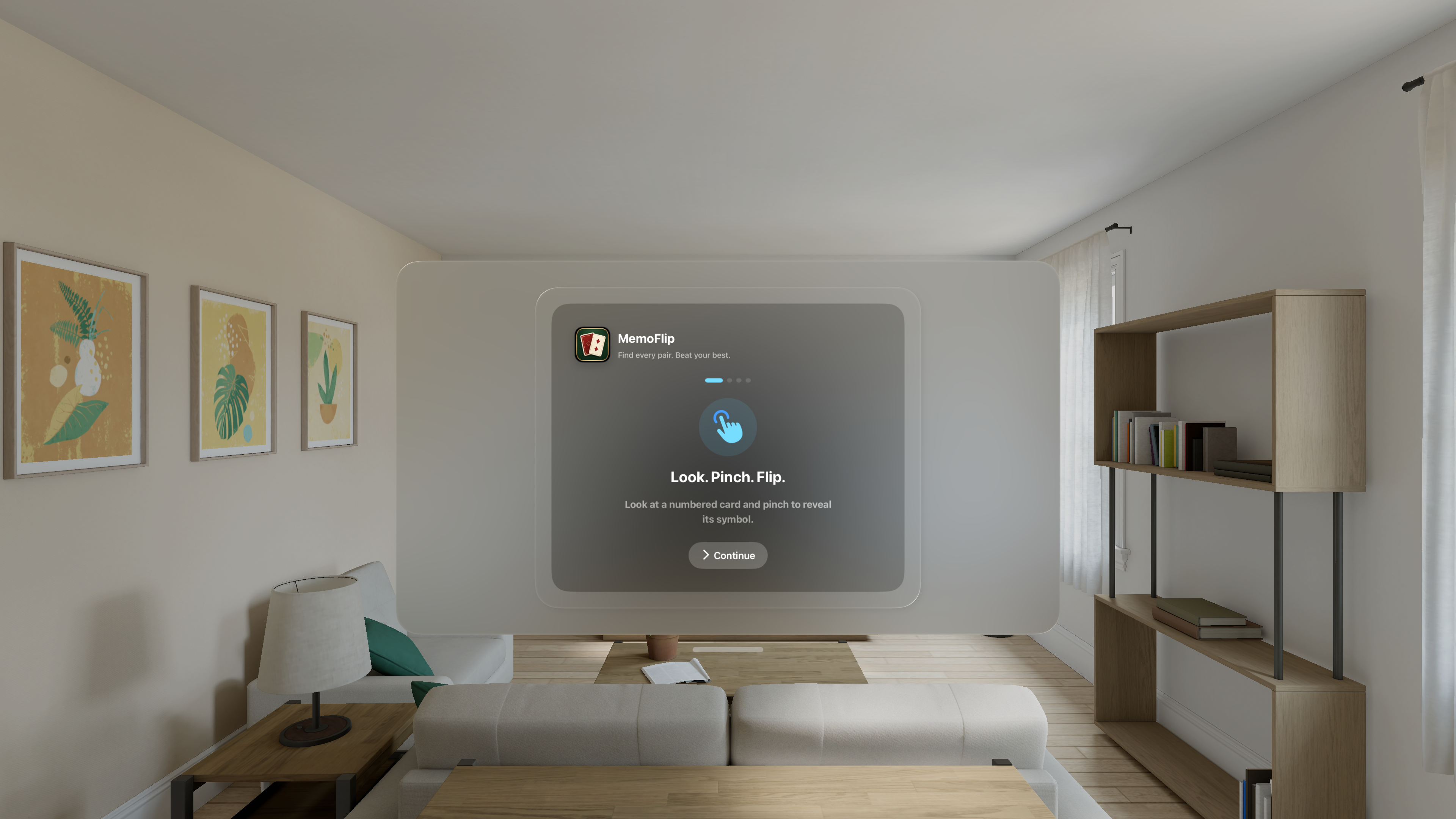
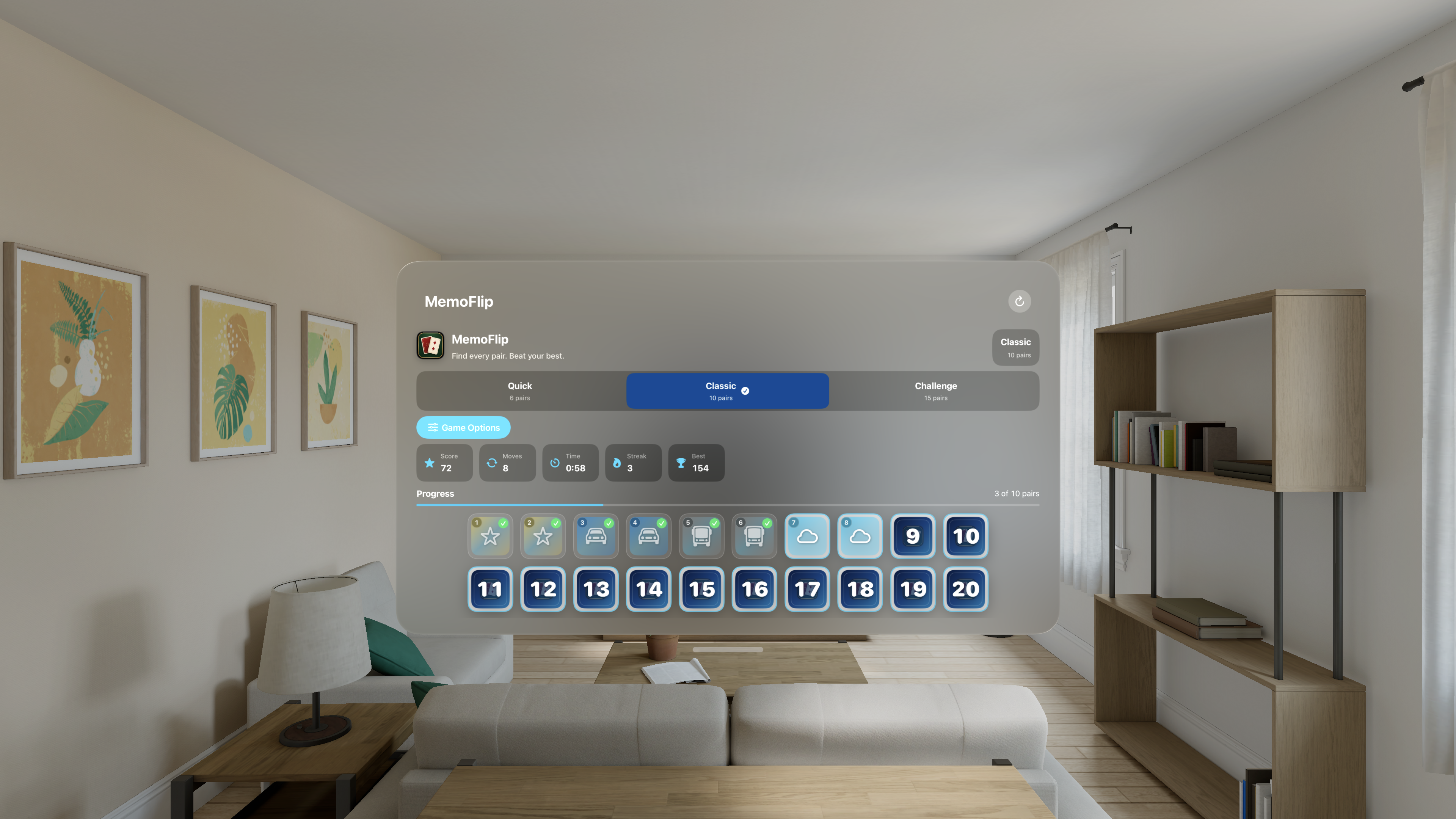
Start with a six-pair Quick board, then take on Classic and Challenge when you want more memory pressure.
Consecutive matches build a streak while moves, time, score, and best results make the next round worth chasing.
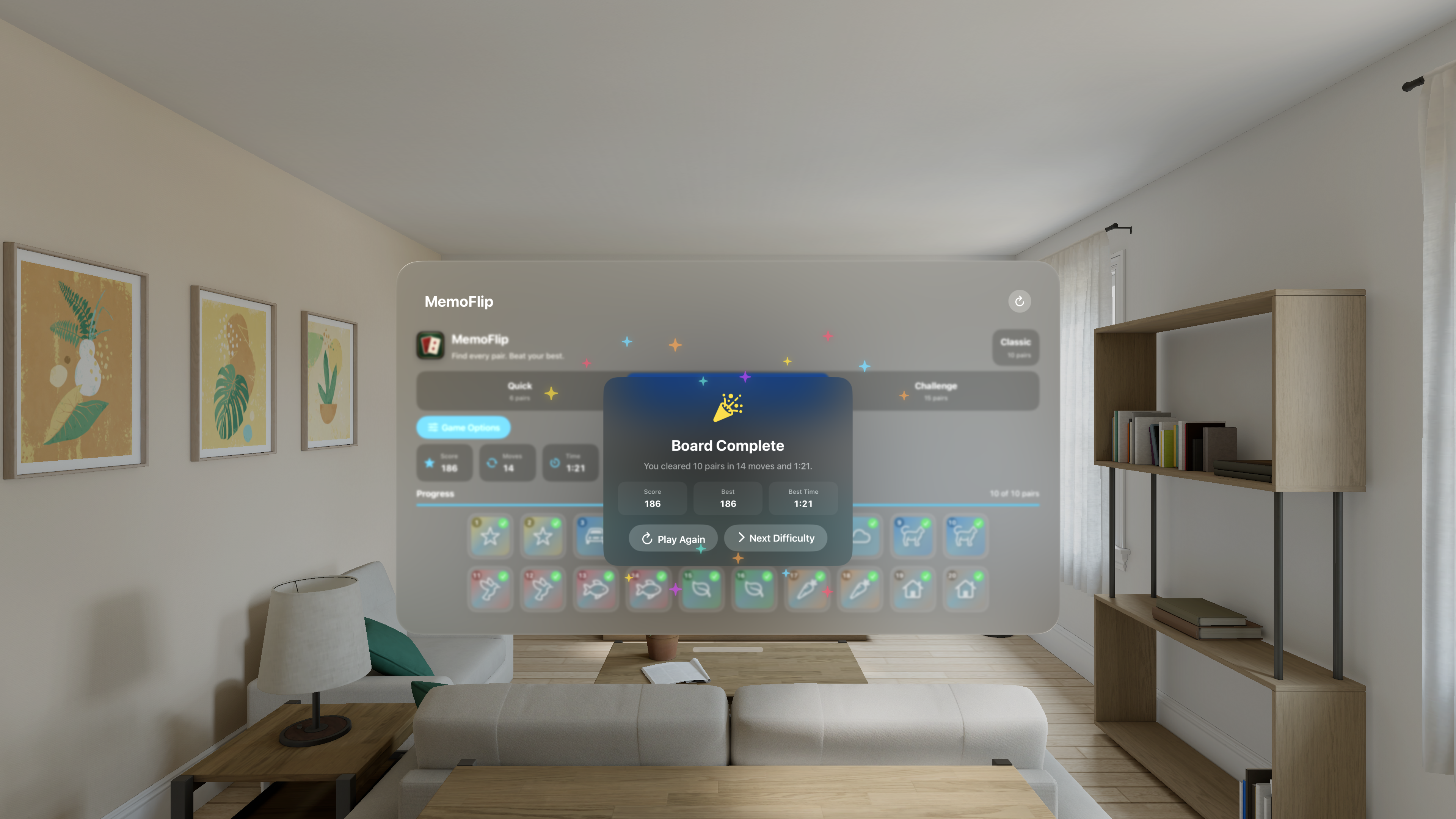
Finish every pair to trigger a fireworks celebration and choose whether to replay or step up the difficulty.
Each pair uses familiar SF Symbol artwork with distinctive gradients to make matches easy to recognize.
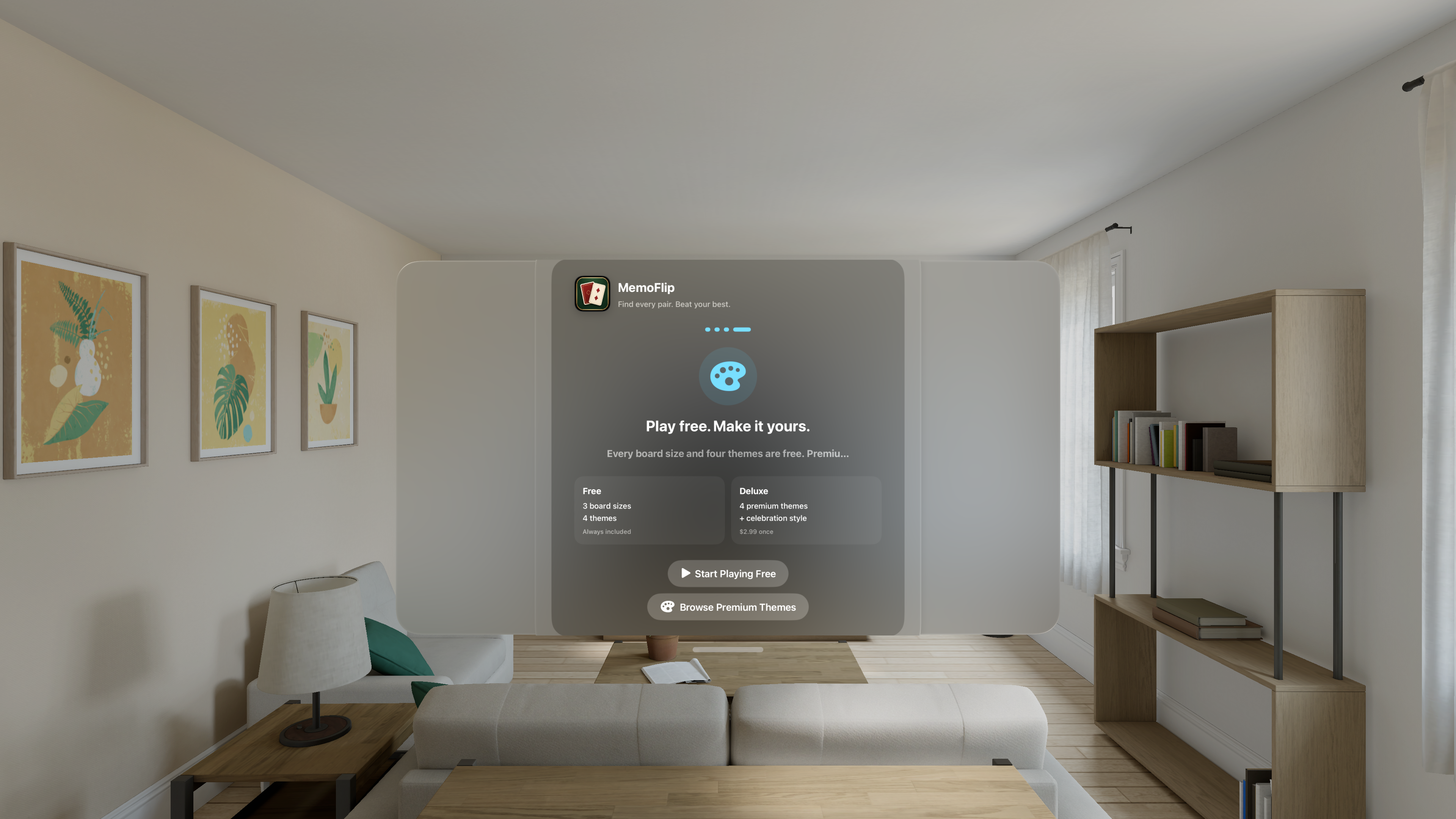
All three board sizes and four themes are free. Add one, three, or all four premium themes as permanent Apple-managed purchases.
Face-down cards show large centered numbers and include VoiceOver labels and Voice Control input labels such as Card 7.
A visible MemoFlip card mark, large numbered cards, one options menu, and balanced spacing keep the board readable in visionOS.
No account is required. Gameplay state stays local to the session, while purchase processing is handled by Apple through StoreKit.
Game Options includes direct, user-initiated links for bug reports, App Store updates and ratings, other apps by the developer, and optional external support in the U.S. App Store.